
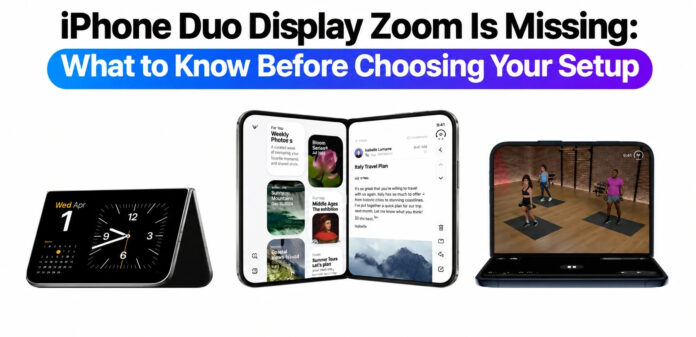
Apple’s latest foldable phone, the iPhone Duo, comes with an unexpected software limitation that requires a complete data wipe if users wish to change their display zoom settings after completing initial setup.
When activating the device for the first time, users are given the option to choose between Default, Medium, or Large zoom modes. However, once the setup process is finished, the Display Zoom option completely disappears from the Settings menu. Under the current software update, there is no native toggle left to adjust this feature after activation without wiping the device.
This limitation presents a notable drawback for users who expect flexibility with screen scaling and interface density. For anyone moving over from Android or traditional smartphones where display scaling can be adjusted at any time in the settings, having to erase all personal data just to alter visual scaling is a significant inconvenience.
It remains unconfirmed whether Apple intends to restore post-setup Display Zoom controls in an upcoming software update. For now, anyone setting up an iPhone Duo will need to select their preferred zoom mode carefully during initial activation to avoid having to wipe their device later.

